SQL Server 2016 End of Support: What You Need to Do Before July 14, 2026
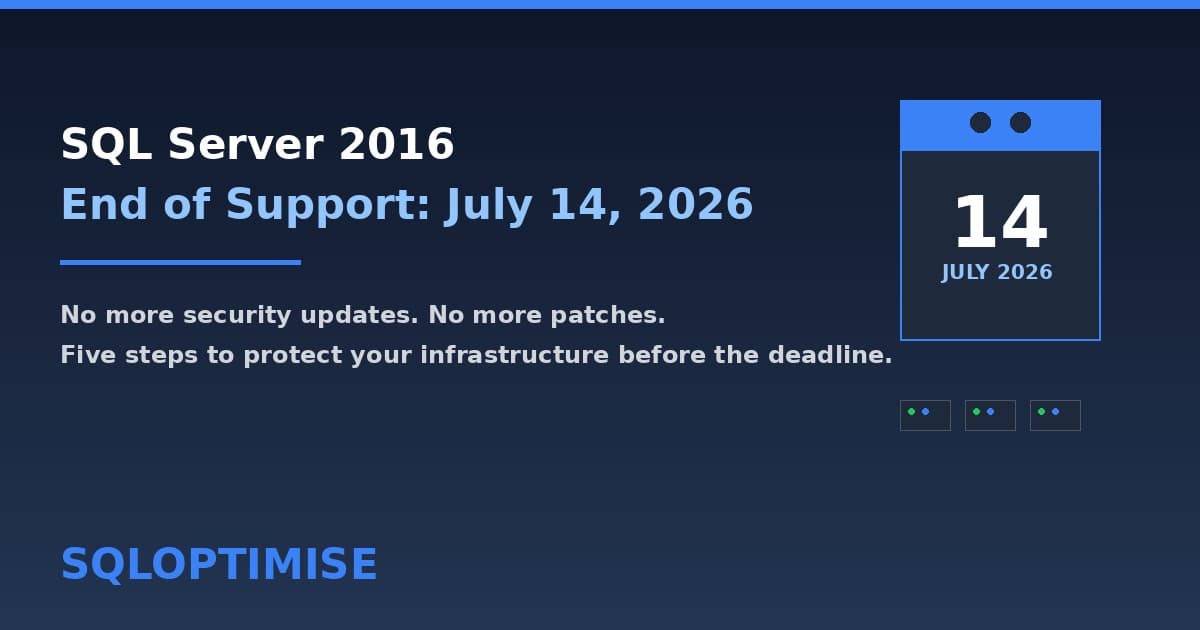
SQL Server 2016 reaches end of extended support on 14 July 2026. No more security updates, no more patches. Here is exactly what you need to do — and the unexpected opportunity SQL Server 2025 Standard creates.
SQL Server 2016 End of Support: What You Need to Do Before July 14, 2026
SQL Server 2016 reaches end of extended support on 14 July 2026.
That is not next year. That is not "sometime soon." That is 57 days from today as I write this.
If you are still running SQL Server 2016 in production, here is what happens after that date — and the five steps you should take right now.
What Changes on July 14
No More Security Updates
After July 14, Microsoft will no longer release security patches for SQL Server 2016. Any vulnerability discovered — whether critical, high, or moderate — will remain unpatched. Your data becomes a sitting target.
This is not hypothetical. Security researchers actively look for unpatched CVEs in end-of-life software. The window between public disclosure and weaponised exploit is measured in days, not weeks.
Cyber Insurance Non-Compliance
Most cyber insurance policies now require supported database software as a condition of cover. SQL Server 2016 past its end date will be a named exclusion. If you have a breach on an unsupported version, your insurer may deny the claim.
We are seeing this in renewal questionnaires already. If your next renewal falls after July 14, you will need to answer "yes" to "Are all database servers running supported software?" or explain your compensating controls.
Regulatory Exposure
Under UK GDPR and the Data Protection Act 2018, you are required to maintain appropriate technical measures to protect personal data. Running unsupported database software after a publicly known end-of-support date is a hard sell to the ICO. The same applies under equivalent regulations in the EU, US, and Australia.
Licensing Audit Risk
Microsoft licensing audits specifically check for supported configurations. SQL Server 2016 past its end date is a flag. Even if you are properly licensed, the audit process is time-consuming and disruptive.
The Objections I Hear
I have been doing SQL Server migrations for over a decade — NHS trusts, enterprise estates, private sector. These are the most common objections, and why they do not hold up:
"We are migrating next year." Next year is too late. Planning now gives you options. Waiting until September gives you a fire drill.
"Our application vendor says it is fine." Your application vendor is not accepting the security risk on your behalf. You are. Get it in writing if they insist, and understand that written assurance does not stop a breach.
"We will buy Extended Security Updates." ESUs exist, and they buy time. But they are expensive, temporary, and effectively a sticking plaster. Three years of ESUs often costs more than the upgrade project itself. And ESUs do not cover new feature development or performance improvements — they just keep the lights on.
The Five-Step Plan
Step 1: Inventory Every Instance
You almost certainly have more SQL Server 2016 instances than you think. Configuration management databases miss the ones running legacy finance applications, the developer instances that became production, and the forgotten VM in a remote branch office.
Tool recommendation: Use SELECT @@VERSION across all registered servers via Central Management Server, or run an agentless scan with a tool like SQL Vulnerability Assessment.
Step 2: Categorise by Workload
Not every instance needs the same treatment:
- Upgrade in-place: Instances running on modern Windows Server with compatible applications. These can go to SQL Server 2022 directly.
- Side-by-side migration: Instances with older OS versions, or where the application requires a new server. Build new, migrate data, cut over.
- Retire: Instances running workloads that no longer have business value. This is your cheapest option — decommission and move on.
- Vendor engagement needed: Instances where the application vendor restricts the SQL Server version. Start the conversation now — vendor delays are the most common reason migrations slip.
Step 3: Run the Numbers on Edition
This is the step most organisations miss — and where the biggest savings hide.
SQL Server 2025 Standard Edition now supports up to 32 cores and 256 GB of buffer pool memory. That is a significant increase from SQL Server 2016/2022 Standard, which capped at 24 cores and 128 GB.
If you are currently on Enterprise Edition purely for capacity — not because you use Enterprise-only features like online index rebuilds, Availability Groups with more than two replicas, or In-Memory OLTP — you may be able to downgrade to Standard Edition on your next upgrade cycle. The maths is significant. Enterprise core licenses cost roughly five times as much as Standard core licenses. For a 32-core deployment, the difference can run into six figures annually. Even moving a single instance can pay for the entire upgrade project several times over.
Step 4: Lock in Software Assurance Renewals Now
If you have active Software Assurance on your SQL Server 2016 licenses, renew before it lapses. Letting SA expire before an upgrade cycle is one of the most expensive mistakes you can make.
Without active SA:
- You lose failover rights for passive secondary replicas
- You lose the right to run in Azure with the Azure Hybrid Benefit
- You pay full price for the new version license rather than the SA renewal rate
Lock in renewals now, even if the upgrade project itself is months away.
Step 5: Test Everything
Not just the database. The application. The reports. The integrations. The ETL jobs. The overnight batch processes.
End of support is a database event, but it affects the whole stack. A thorough testing window is not optional — it is the difference between a smooth migration and a post-migration crisis.
The Opportunity
There is a silver lining here. Every end-of-support deadline is also an opportunity to:
- Consolidate — merge multiple SQL Server instances onto fewer, better-provisioned servers
- Modernise — move workloads to Azure SQL Database or Managed Instance where appropriate
- Right-size licensing — use the new SQL Server 2025 Standard capacity limits to reduce Enterprise Edition spend
- Improve security posture — implement TDE, always-on encryption, and modern authentication as part of the upgrade
The organisations that act early save money and avoid stress. The ones that wait pay both.
Next Steps
If you are running SQL Server 2016 and have not started planning, I am happy to look at your environment and tell you the most cost-effective path forward. No pitch, no pressure — just a clear assessment of where you stand and what your options are.
Get in touch: gareth@sqloptimise.com
Gareth Huggins is a contract SQL Server DBA and Solutions Architect with over a decade of experience across NHS trusts, QinetiQ, and enterprise environments. He specialises in SQL Server performance optimisation, migration strategy, and data platform modernisation.
Need Expert SQL Help?
Our SQL optimization experts are ready to help you implement these strategies and optimize your database performance.
Schedule Free Consultation